Develop creative skills for photo manipulation and visual composition.
Create and edit visuals using industry-standard tools.
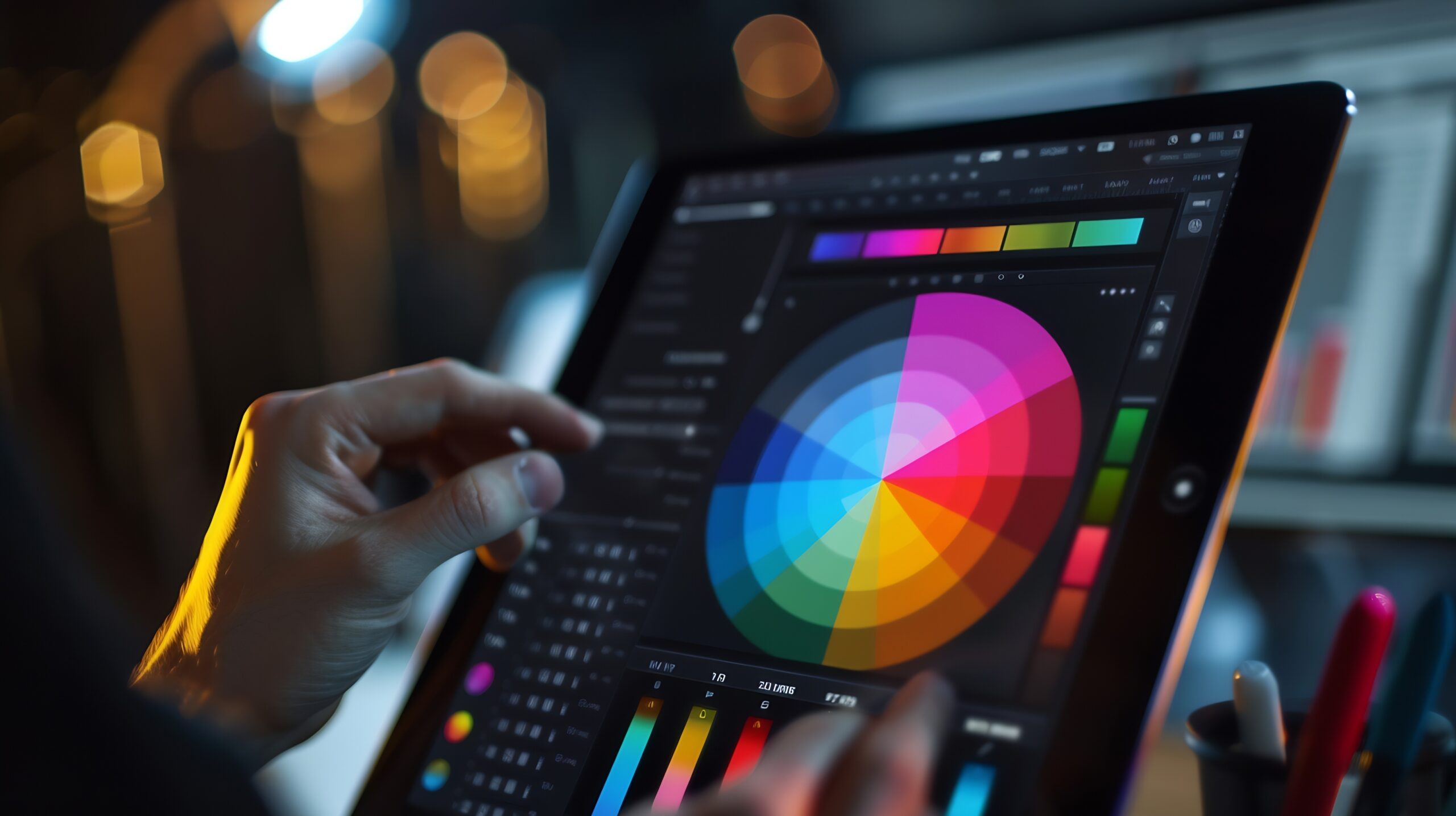
Learn to create and enhance digital images using Adobe Photoshop. These courses cover everything from basic editing to more advanced design and composition techniques. Build practical skills for creating visuals used in print, web, and media.
Photoshop for Digital Imaging I
N GCIP 940
- Learn the basics of Adobe Photoshop.
- Practice editing and enhancing images.
- Gain experience creating visuals for print and digital media.
Photoshop for Digital Imaging II
N GCIP 941
- Learn Intermediate Photoshop techniques.
- Practice creating visuals for web, motion graphics, and publishing.
- Get confident in advanced image composition and editing.
Page Layout and Design I
N GCIP 949
- Design brochures, flyers, and newsletters.
- Combining text and images for communication.
- Basics of digital layout and composition.
Digital Publishing / Illustrator I
N GCIP 952
- Practice creating digital illustrations and graphics.
- Work with vector-based design tools.
- Prepare designs for print and digital output.
To see details for these classes, visit the Online Schedule. Choose the term and “N GCIP-Noncredit Graphic Communications Imaging and Publishing” in your subject search criteria. If you are a Palomar College student already, you can enroll directly. If you are new to Palomar, please click “Take the Next Step.“